- Vacation Rentals
- Real Estate
- Area Info
- Weddings
- Long Term Rentals
- Blog
- About Us & More
- Property Management
×
Property removed from the Wishlist.


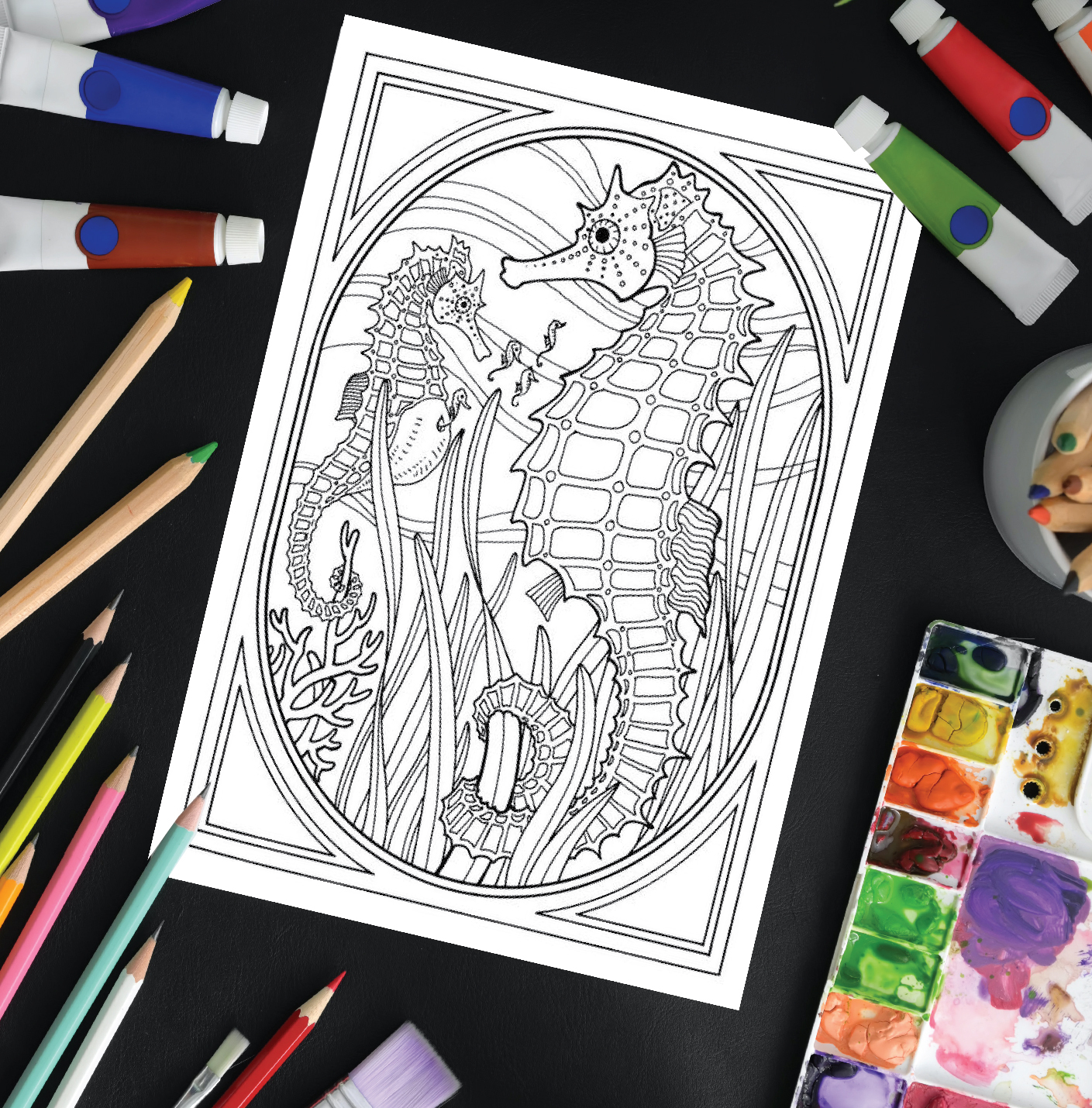
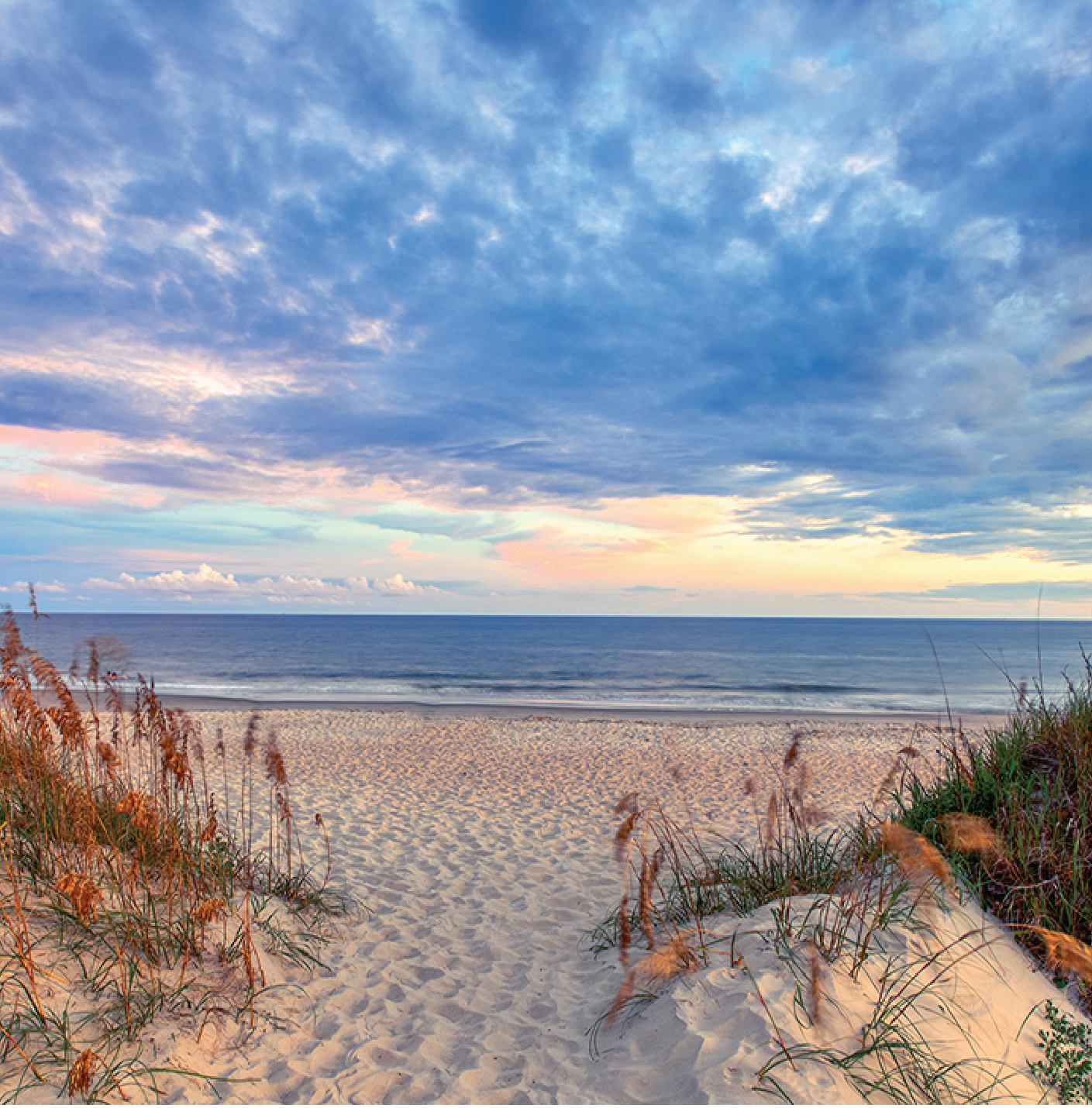
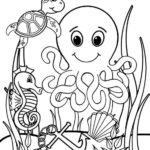
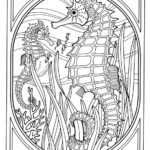
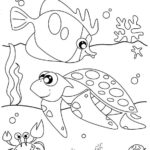
Check out these fun coastal crafts and activities the whole family can enjoy from home! Keep the kids entertained with a variety of puzzles, coloring pages and other fun beach-themed activities. And for the adults, take a dive into some North Carolina cuisine with some tasty homemade recipes straight from the source. Or pick your favorite Emerald Isle backdrop to download and use as your Zoom background.
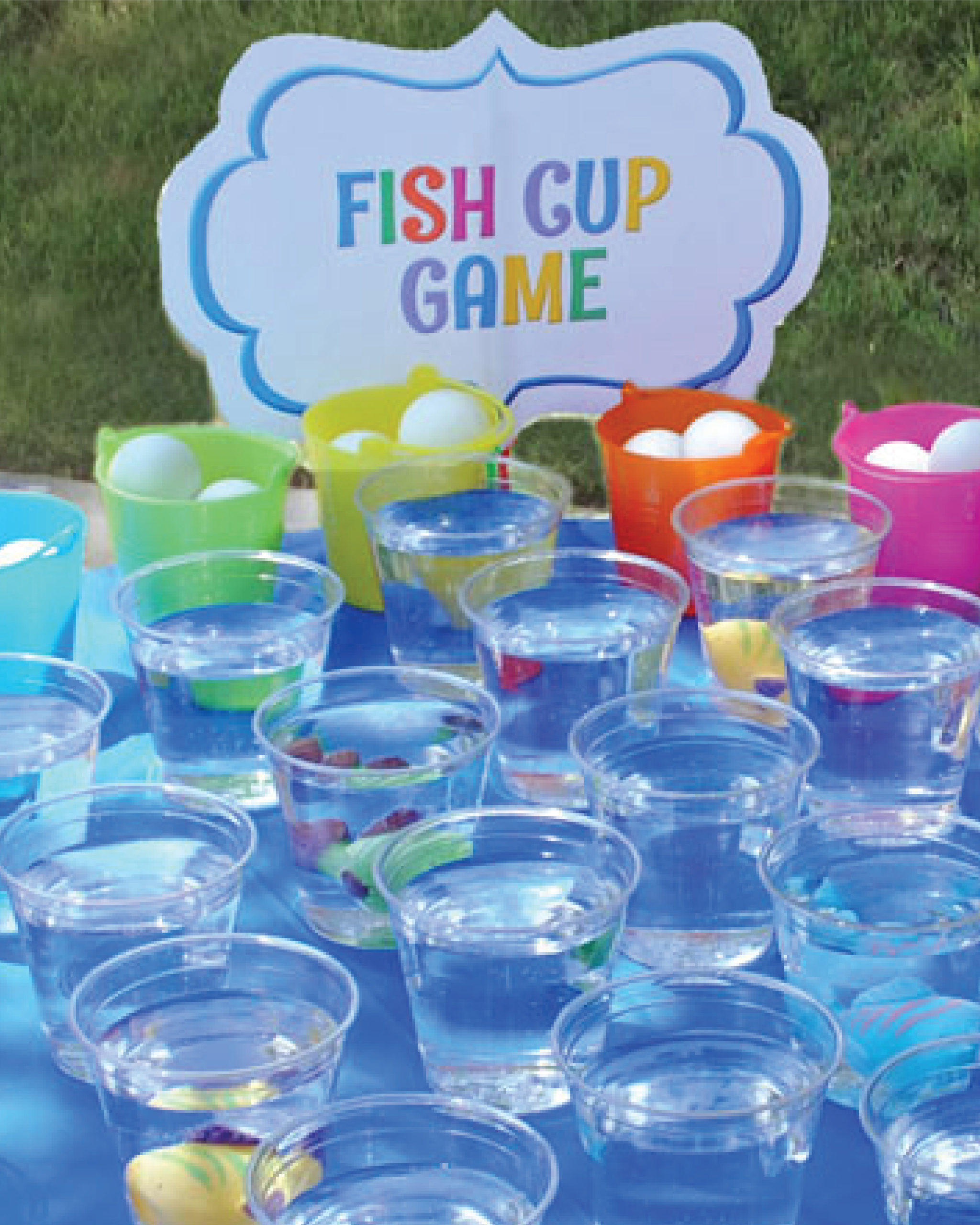
Fish Cup Game
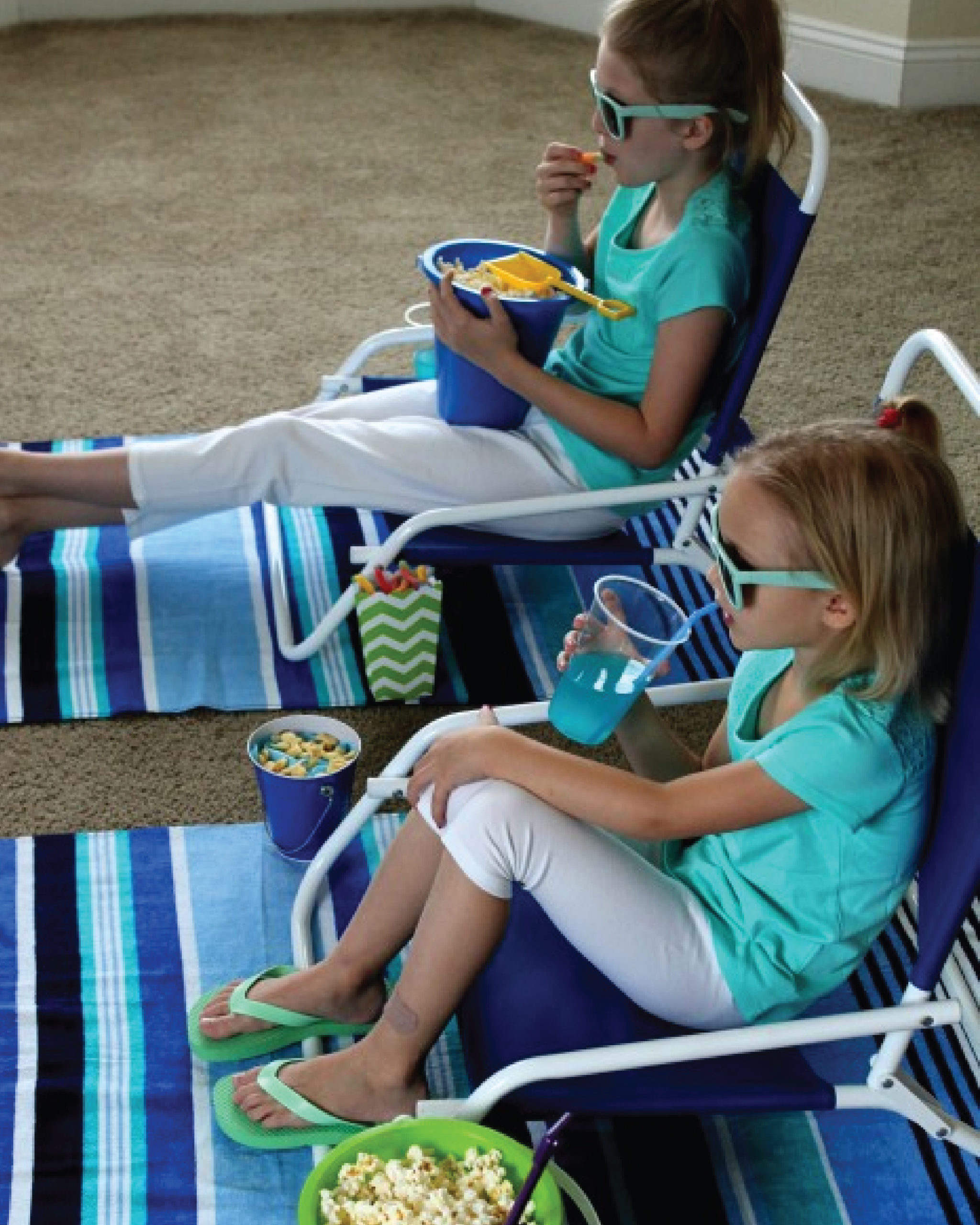
Beach Movie Day
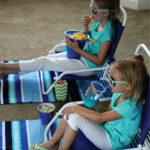
Memory Game
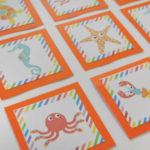
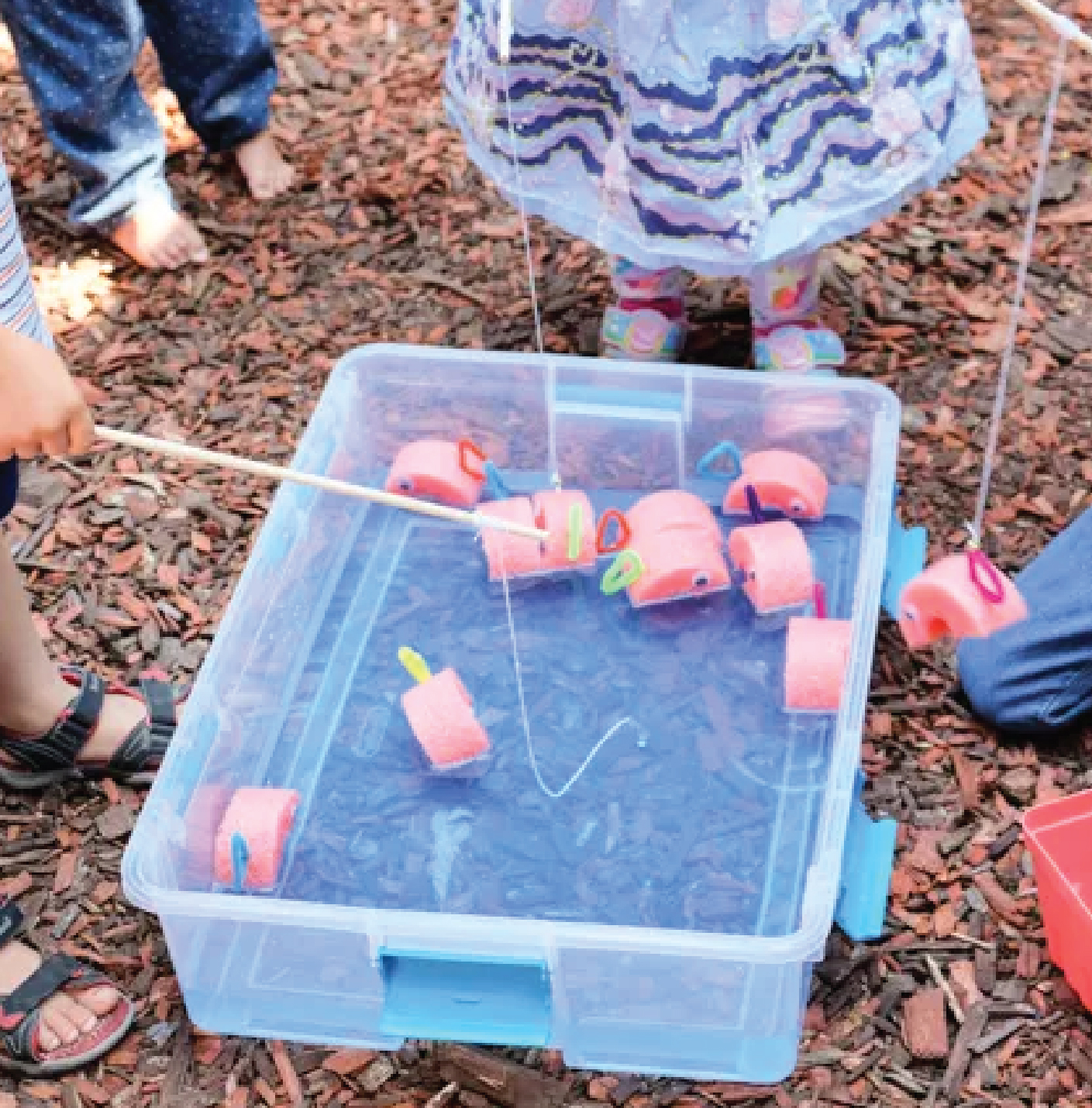
Pool Noodle Fishing
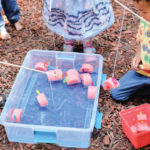
Pin The Tentacle
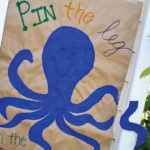
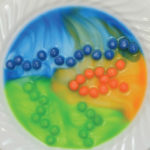
Skittle Fish Experiment
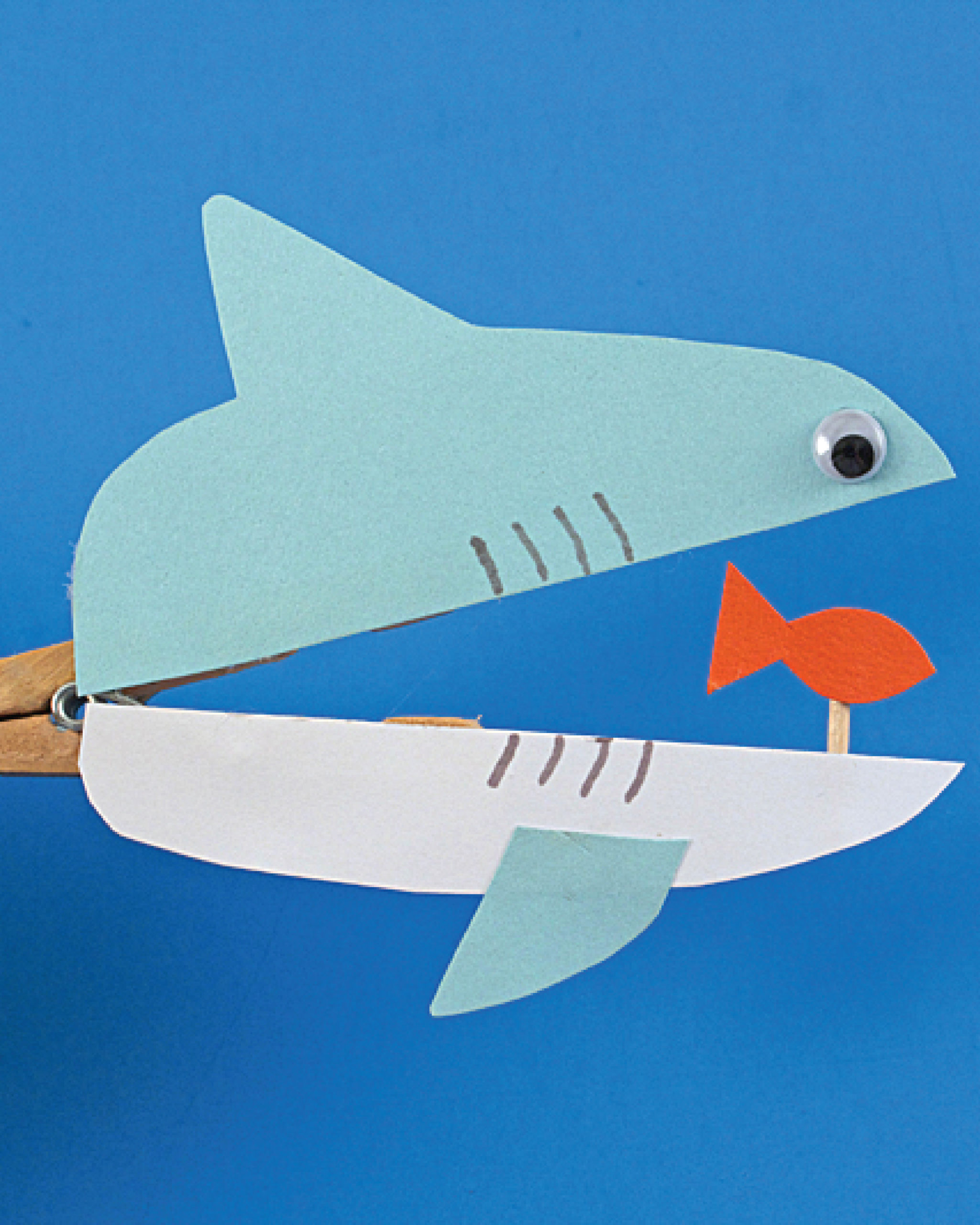
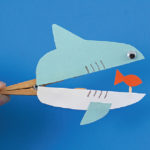
Clothespin Shark
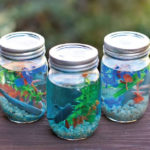
Mason Jar Aquarium
Ocean In A Bottle
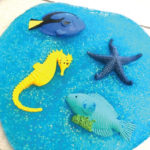
Ocean Slime
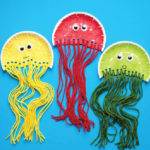
Paper Plate Jellyfish
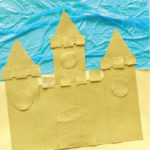
Sand Paper Castle
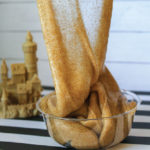
Sand Slime
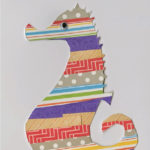
Scrap Paper Seahorse
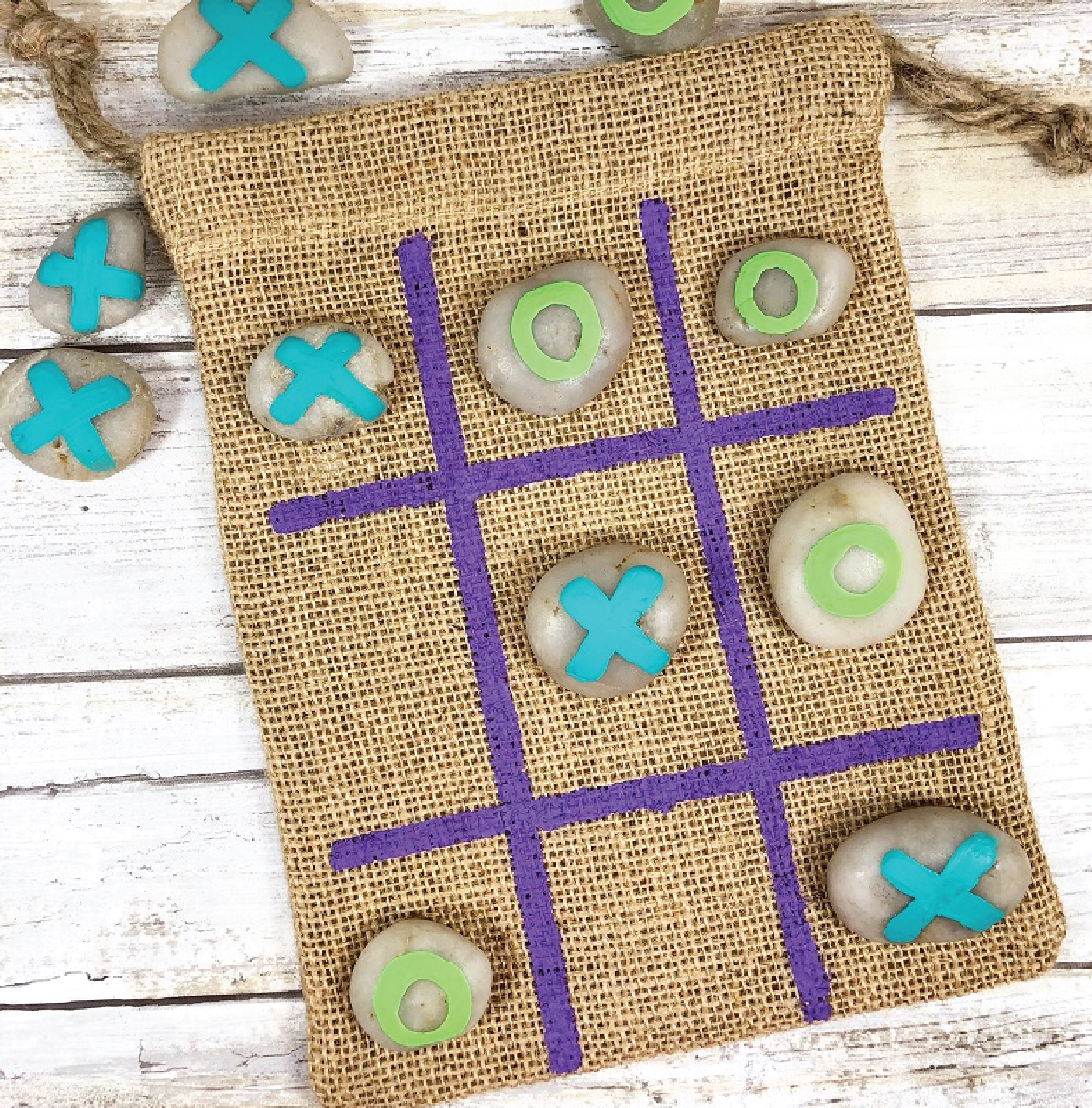
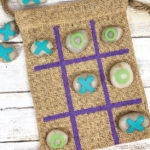
Tic Tac Toe
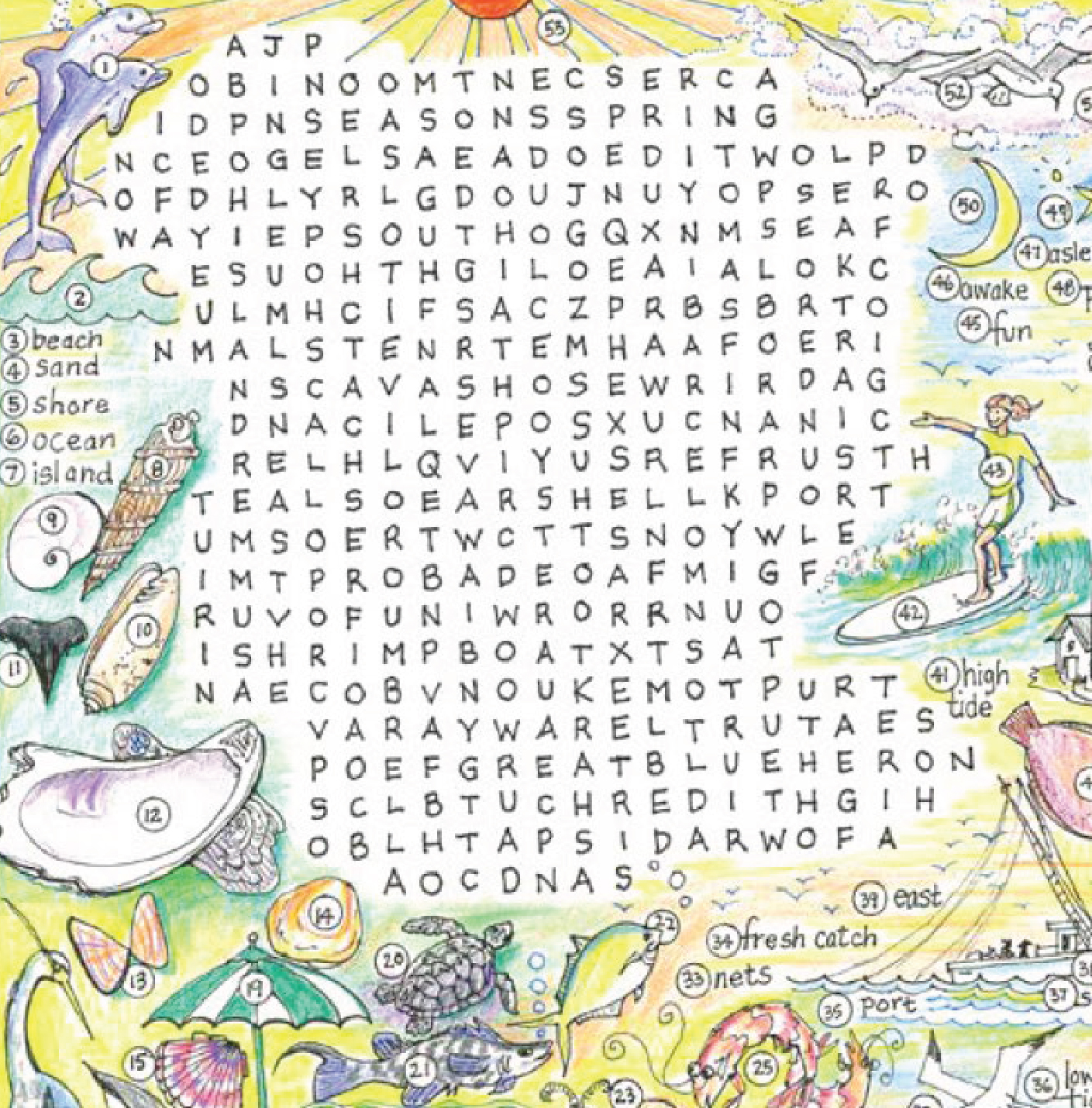
Puzzle Page 1
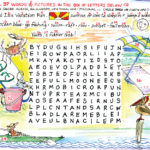
Puzzle Page 2
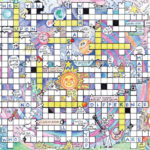
Puzzle Page 3
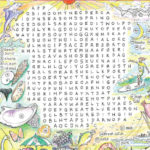
Puzzle Page 4
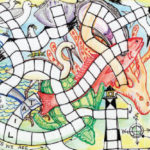
Printable EI Puzzle
Deap Sea Diver Maze
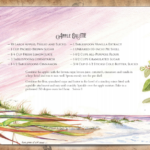
Apple Galette
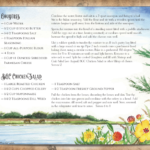
BGC Chicken Salad
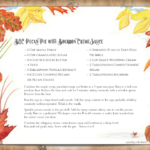
BGC Pecan Pie
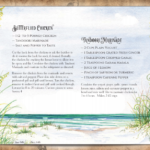
Butterflied Chicken
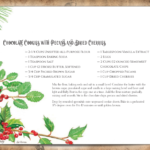
Chocolate Cookies
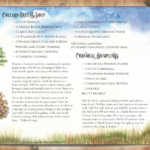
Collard Green Soup and Dumplings
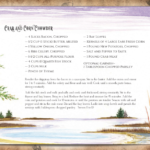
Crab Corn Chowder
Flash-Fried Flounder
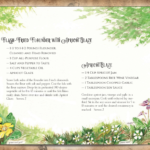
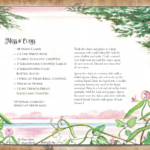
Mess O’ Clams
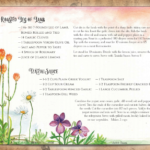
Roasted Leg of Lamb
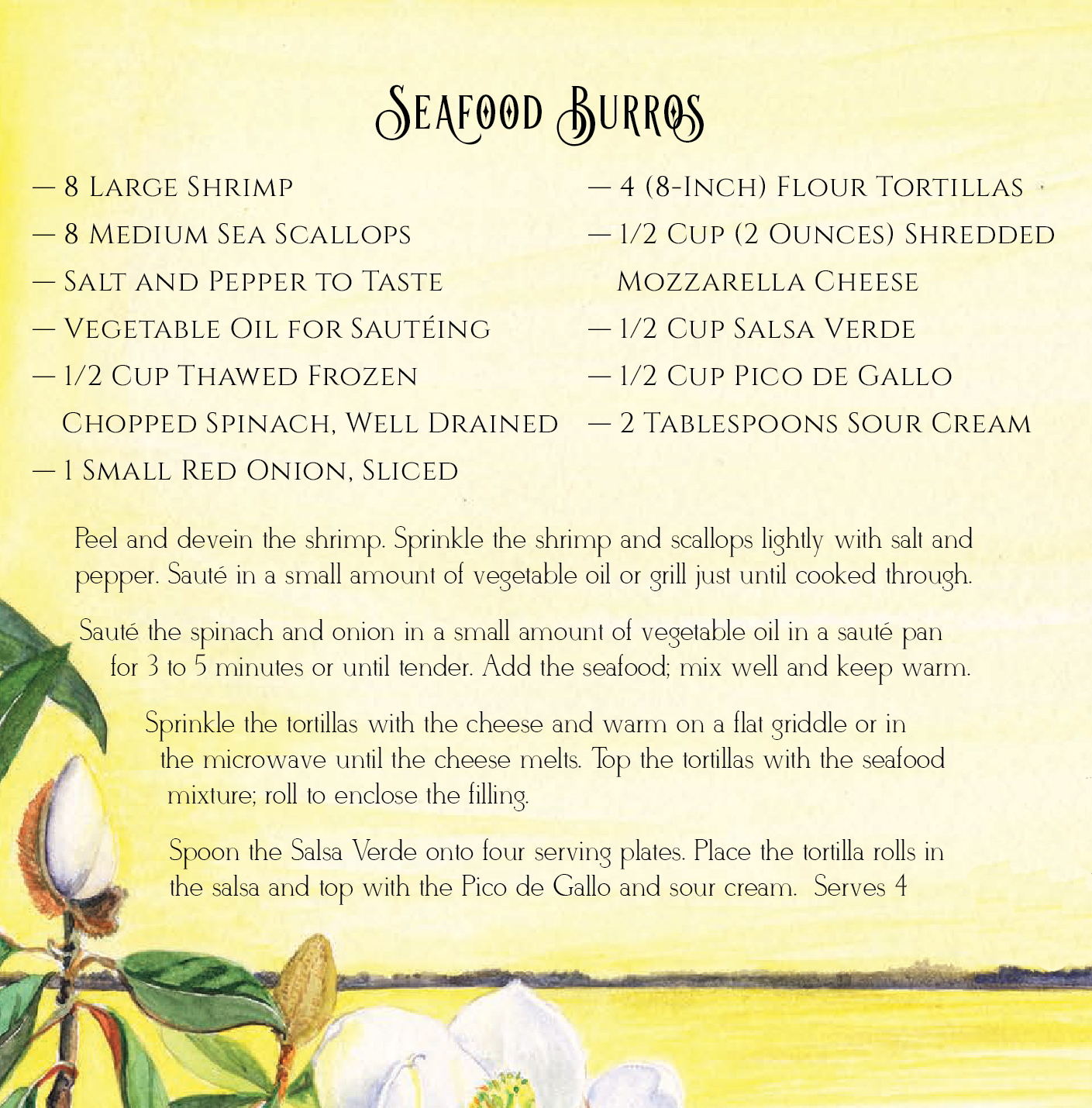
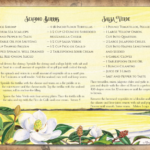
Seafood Burros
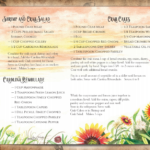
Shrimp and Crab Salad with Crab Cakes
Give yourself a backdrop to remember on your next family or work conference call! Simply click on each image to start an automatic download and follow the Zoom upload instructions below.
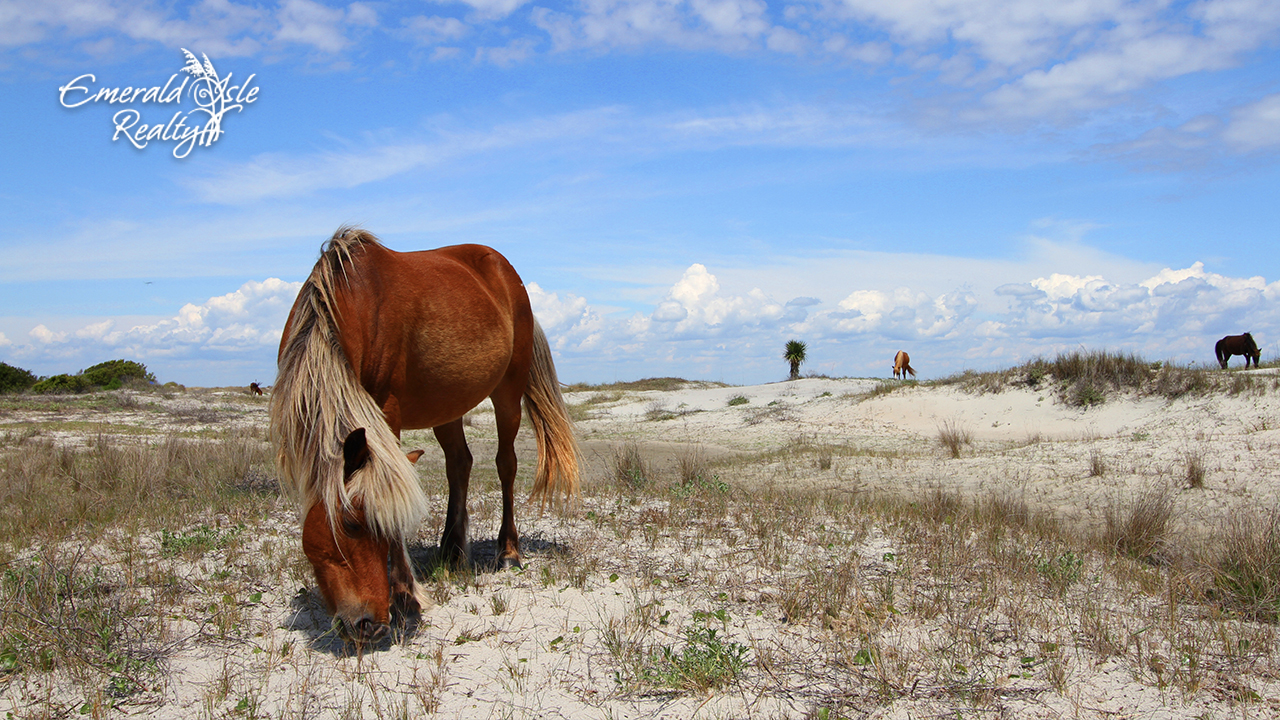
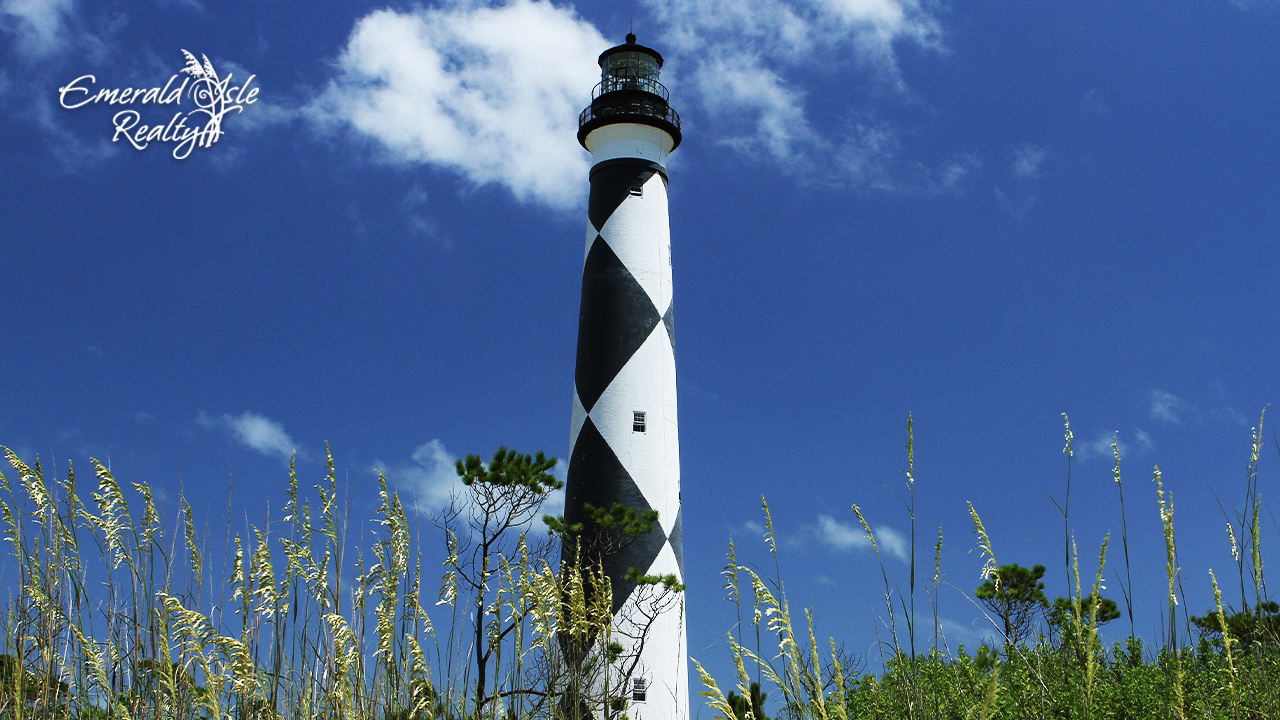
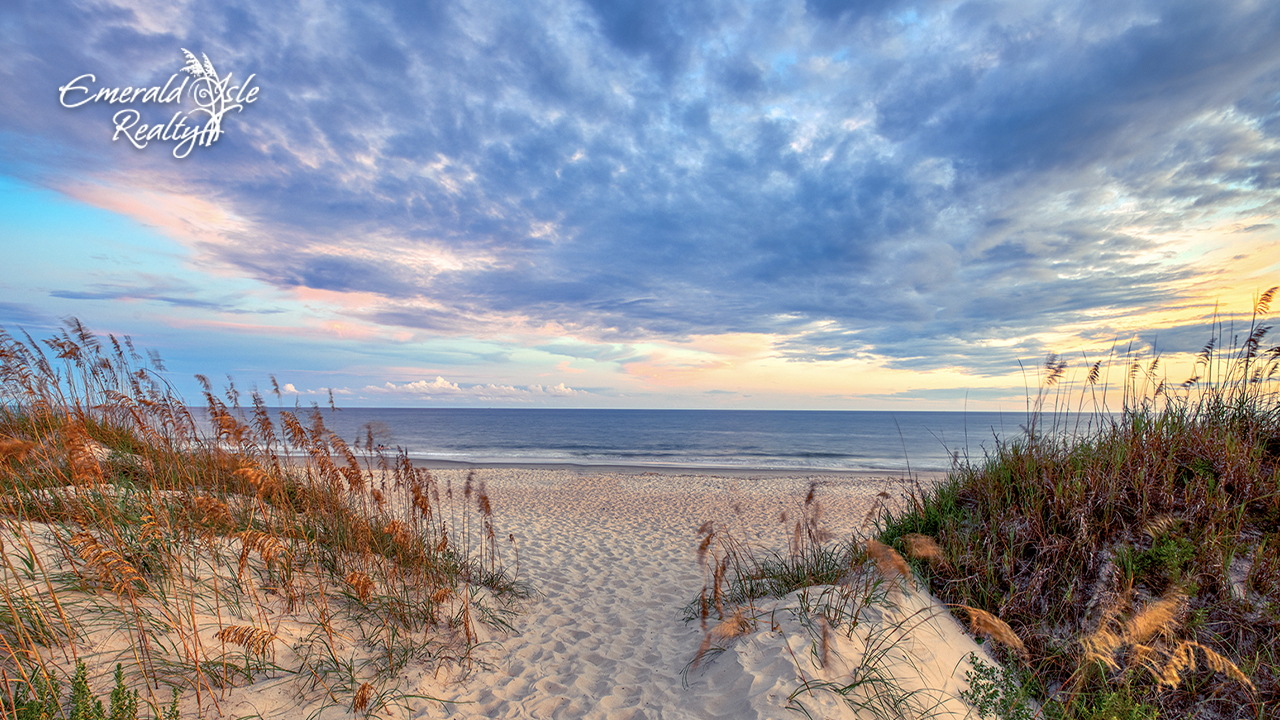
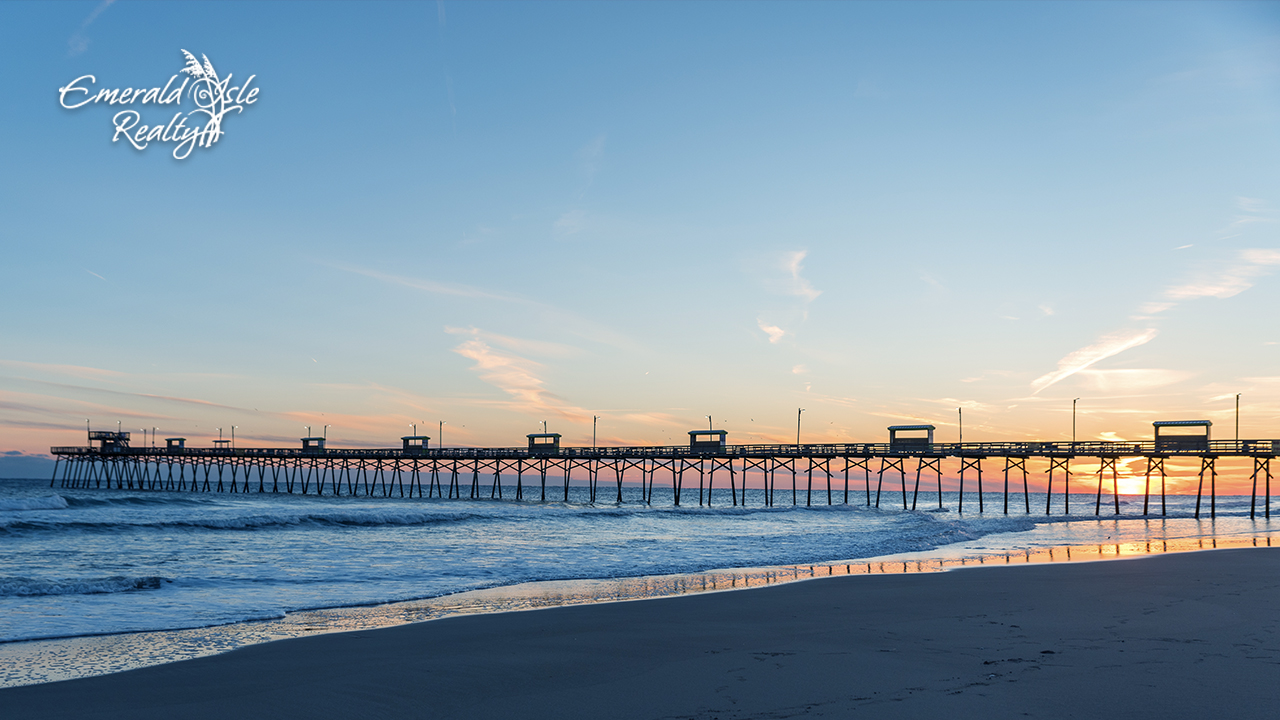
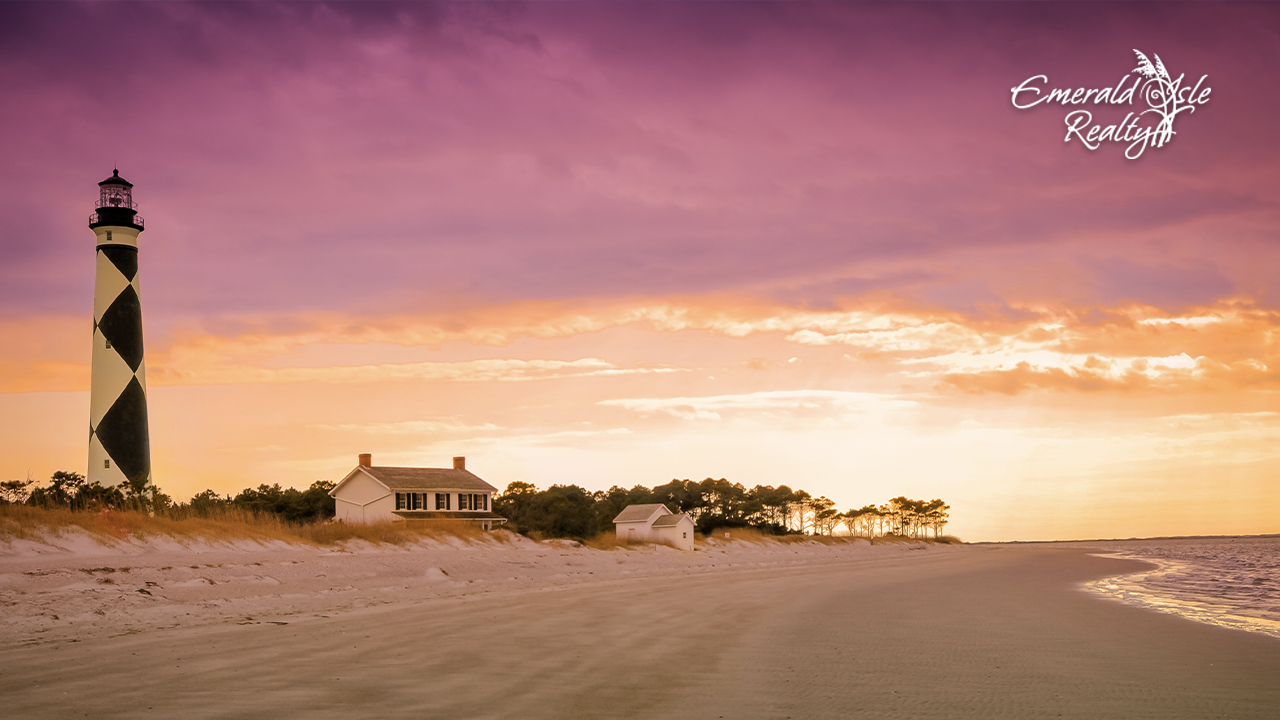
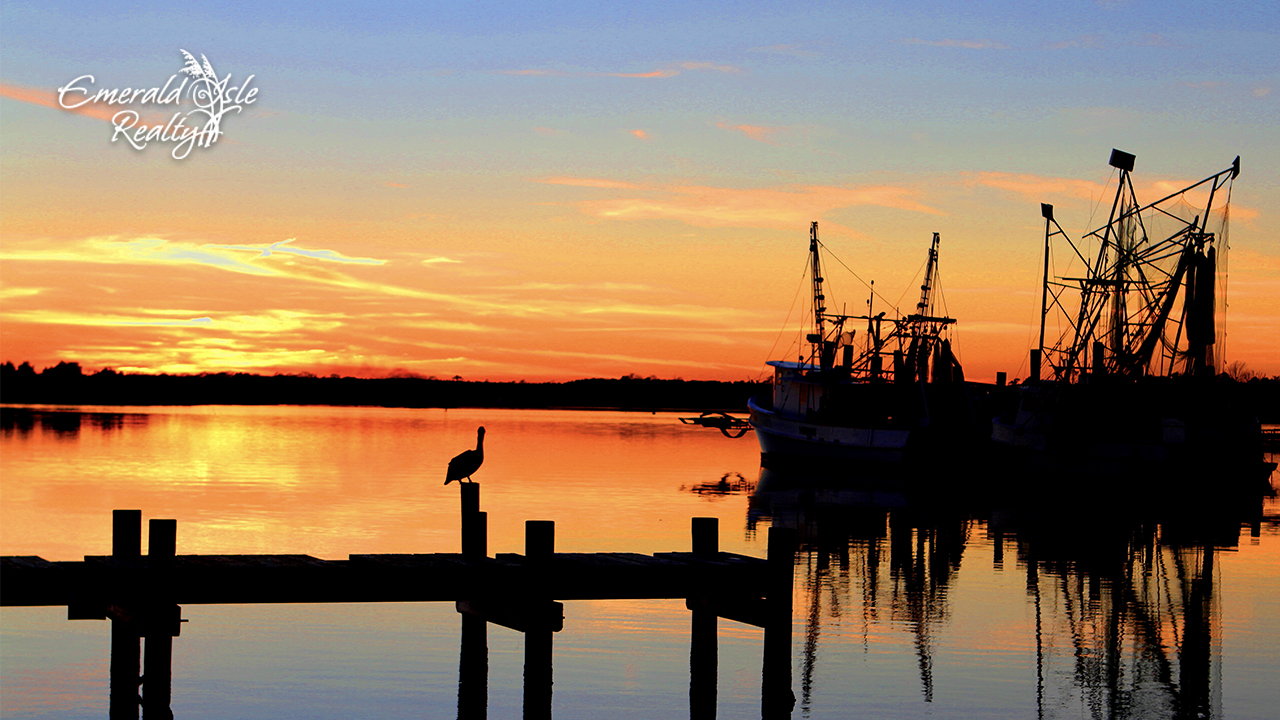
First, download the Zoom App: https://zoom.us/download
Steps for your desktop computer or tablet:
* Zoom Meeting Tips – Set your video conferences to private.